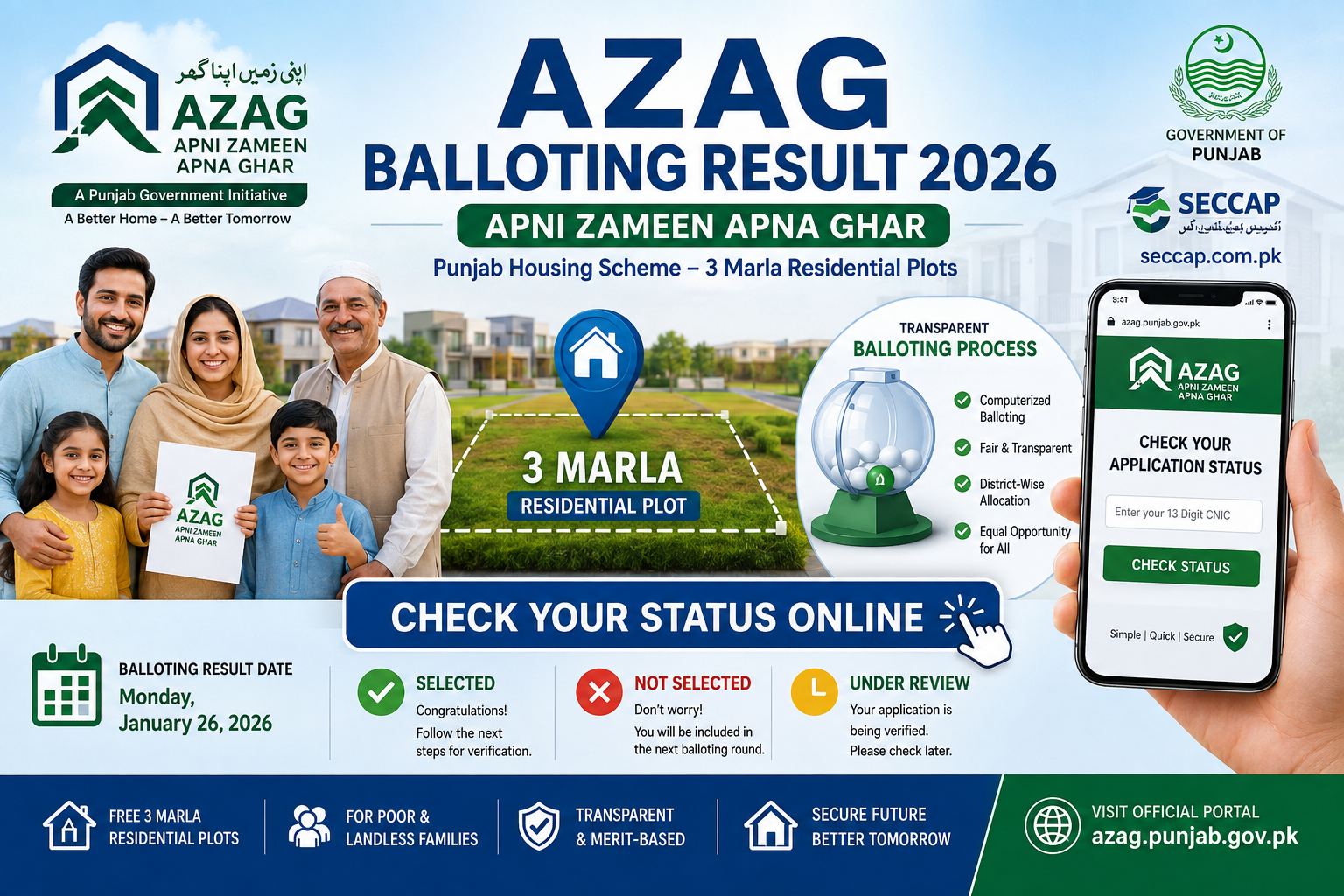
The Apni Zameen Apna Ghar (AZAG) Program is considered one of the flagship housing programs of the Punjab Government, through which it provides no-cost 3-marla residential plots to poor and landless families. The most essential step now if you are one who applied for this scheme is to understand how to check your application status from the official online portal and AZAG Balloting Result 2026. You can find how exactly the AZAG balloting system works and how to check your result online, what each status indicates and moreover, what should be your next steps if selected or not.
What Is the AZAG Scheme?
Apni Zameen Apna Ghar (AZAG) is a housing scheme founded by the Government of Punjab project settled under the Punjab Housing and Town Planning Agency (PHATA). Under the scheme, free 3-marla residential plots are allotted to eligible applicants.
Due to excess number of applicants as compared to the available plots, computerized balloting system is been used by the government. The aim of this process is to eliminate human bias, favouritism or dependence on intermediaries and ensure that all verified applicants have equal odds of being selected.
Visit This: NITB Result 2026
AZAG Balloting Result 2026
| Title: | AZAG Punjab Balloting Result 2026 |
|---|---|
| Scheme | Apni Zameen Apna Ghar (AZAG) |
| Result Release Date: | Monday, January 26, 2026 |
| Result Link: | Given Below |
| Official Website: | azag.punjab.gov.pk |
| Posted By: | seccap.com.pk |
How to Check Your AZAG Balloting Result 2026 Online?
- Visit the official AZAG portal at azag.punjab.gov.pk
- Locate the balloting result / status option on the home page
- Input your CNIC number 13 digits (without dashes or spaces).
- Submit and wait for the system to show you your current status.
The portal is mobile compatible, which means you can check your status using a smartphone or computer, no need for any office visit.
How the AZAG Balloting Process Works
- Applicants fill in their information and document copies.
- The information provided is validated against official records.
- The computerized draw is only for applicants whose applications have been verified.
- The balloting is done on a district-wise basis as the plots are allocated on the basis of permanent residence and consequently, domicile.
- The results announced on the official portal, eligible applicants can check their status through their CNIC.
Understanding Your Application Status
When you enter your CNIC number, the result usually displays any of these three options:
- Selected
- Not Selected
- Under Review / Pending
If You Are Selected
- Wait for an official SMS notification regarding your selection.
- Regularly log in to your portal account for additional directions.
- Carry Actual CNIC, income file and affidavits asking to you during verification process
- Report to the concerned Deputy Commissioner or PHATA office .
- Go for any physical verification or interview if required.
If You Are Not Selected
If you don’t see your name this time, that doesn’t mean you’re no longer in the program:
- Normally your application stays valid for the next balloting round at no extra charge
- You dont often need to reapply from step 1
- Ensure your personal details on the portal are accurate and up to date
- Turn on your active contact number
- you don’t want to miss any SMS updates.